Online Cricket Coaching as you bowl

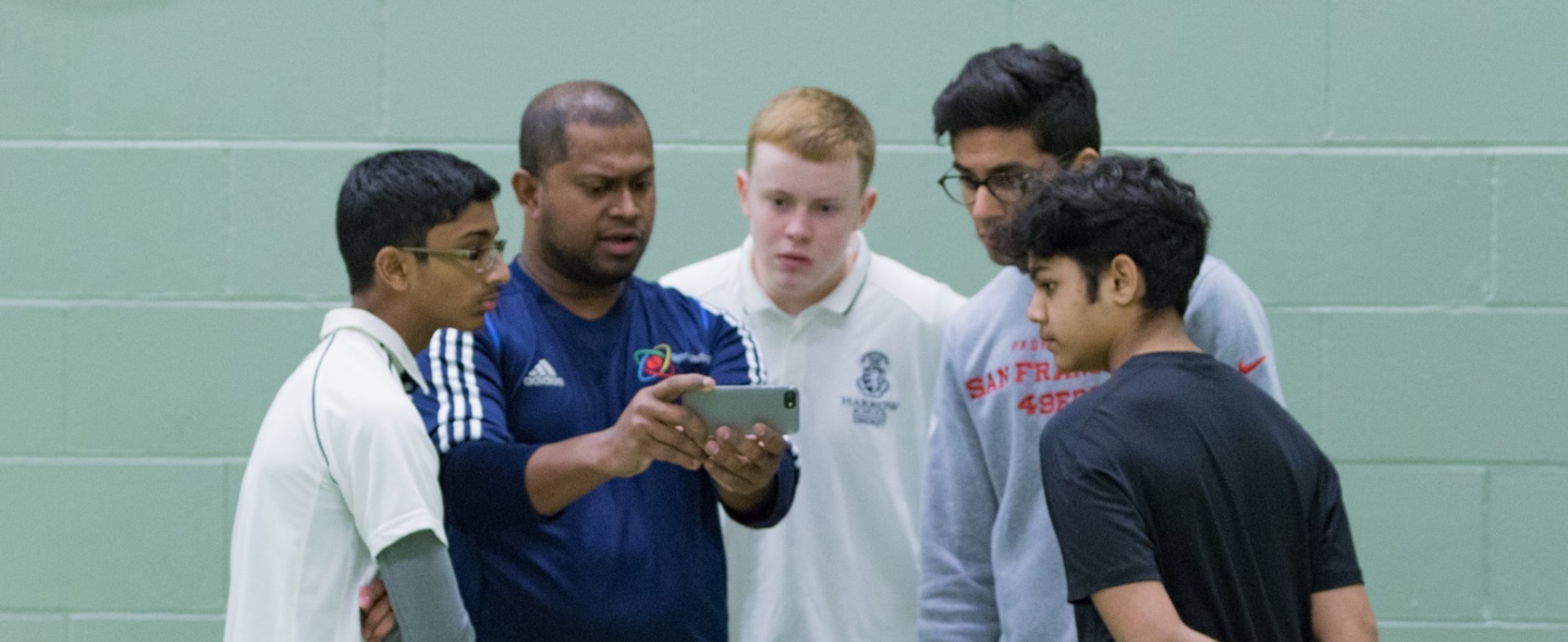
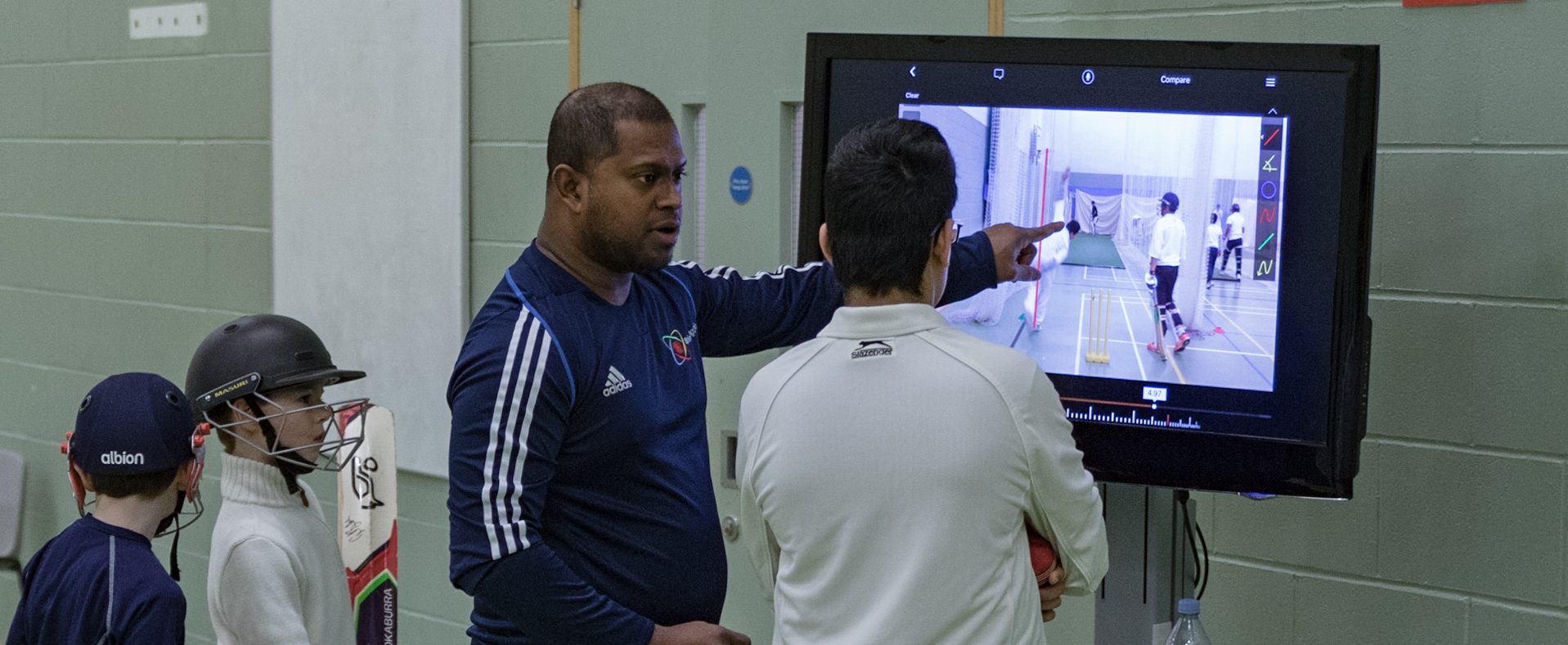
Real Time Video Coaching is exactly as it sounds – Personal 1:1 coaching via a
smartphone or tablet with the Spin Wizard.
How does it work?
Step 1
You’ll need access to your local cricket nets/wicket at the agreed time. Nets can be inside or outside. Internet connectivity is essential. Book and pay for a video coaching session using the schedule calendar. Each session is 40 minutes long, via Zoom.
Step 2
You will need
- A smartphone or tablet with high resolution camera and capable of running Zoom
- Earbuds (if available)
- A tripod, set to approximately 5ft / 1.5m tall
Step 3
At least 15 minutes before the agreed time to start,
- Set up your equipment and check internet connectivity.
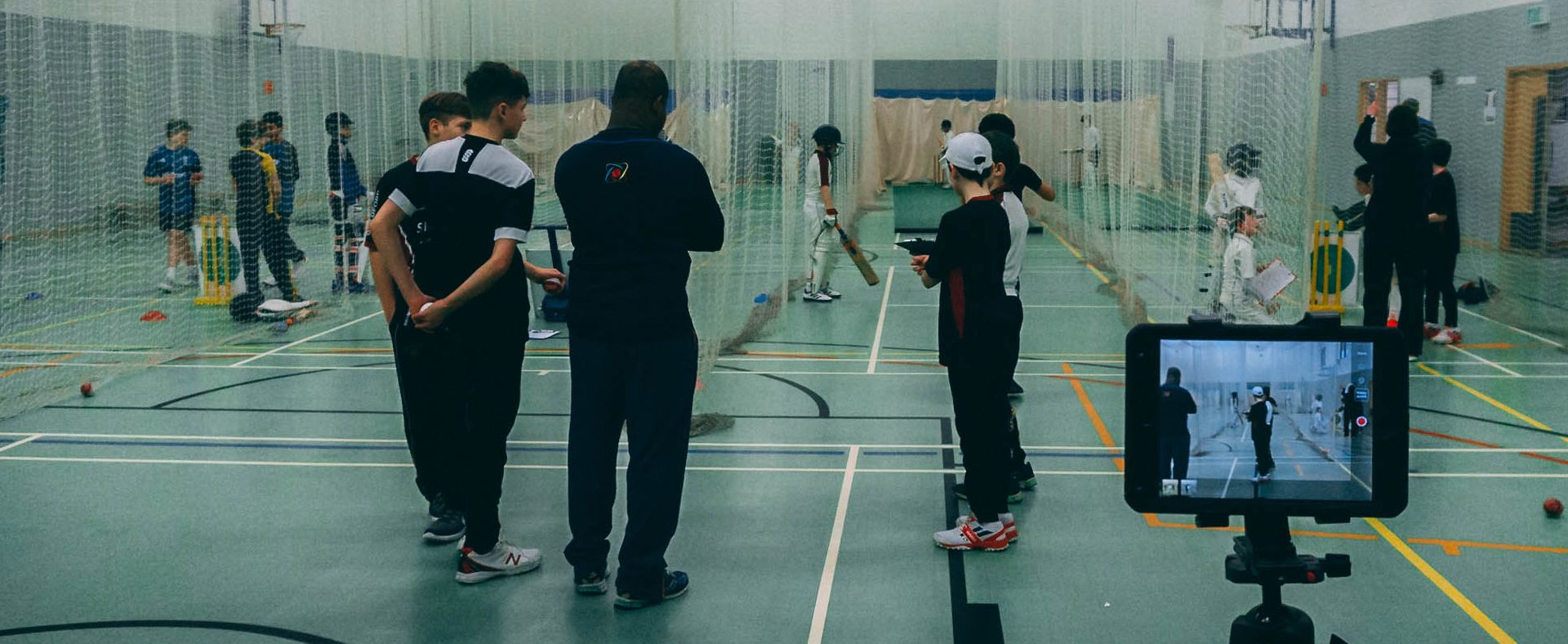
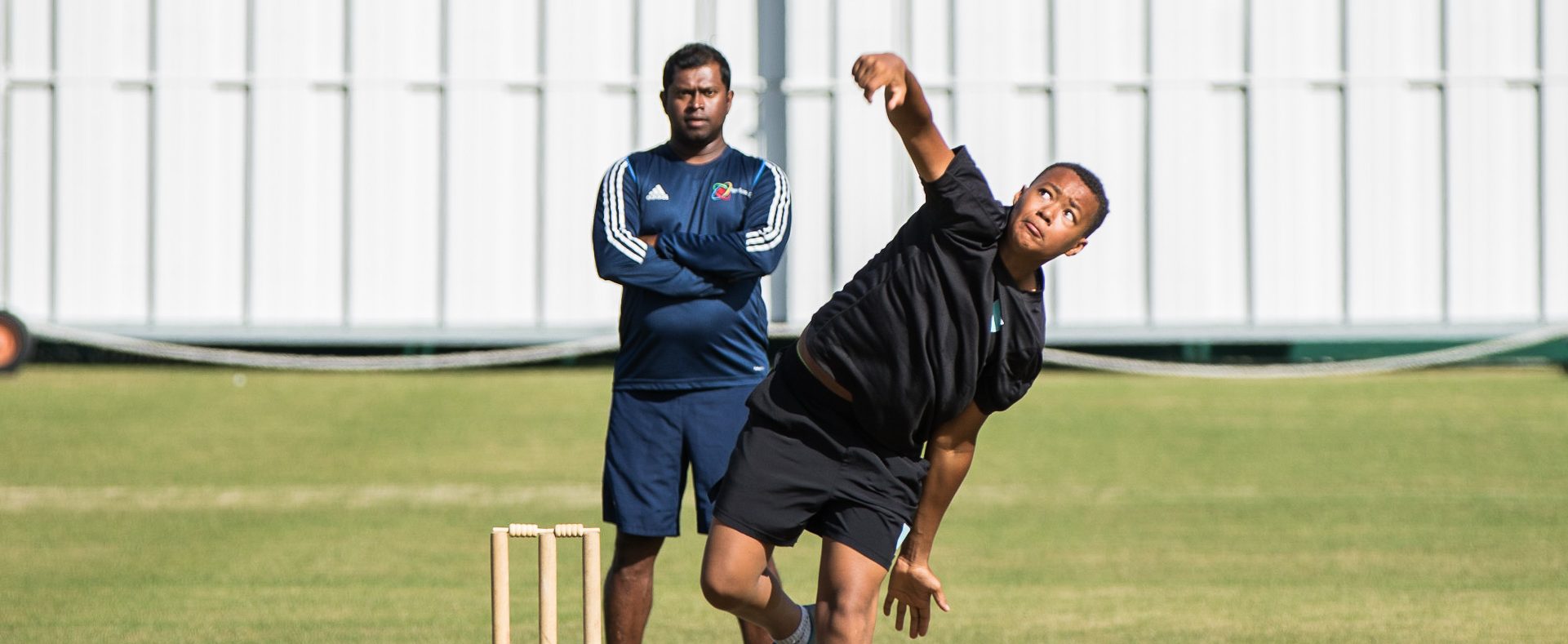
- Position the tripod about 4 paces behind the stumps to give a clear view of your bowling action. Eranga may request a change of direction of the tripod during the session to get better view.
Step 4
At the agreed time Eranga will start the Zoom call and coaching begins. With your earbuds in place, surrounding noises should not be a distraction. If your coach/parents is with you, share the earbuds or sync the their earbuds to your device
Step 5
- Put the recommendations into practice.
- Re-visit the recorded session from time to time to check that your technique is still in line with the advice.
- Enjoy spin bowling!
As required, book a follow-up session to help you continue building your skills, technique and effectiveness as a spin bowler!
As an alternative to Real Time Video Coaching you could consider

Online Spin Lab
One to One video analysis